Access rights for your team
Give staff access levels that match your company standards and security policy.
Role management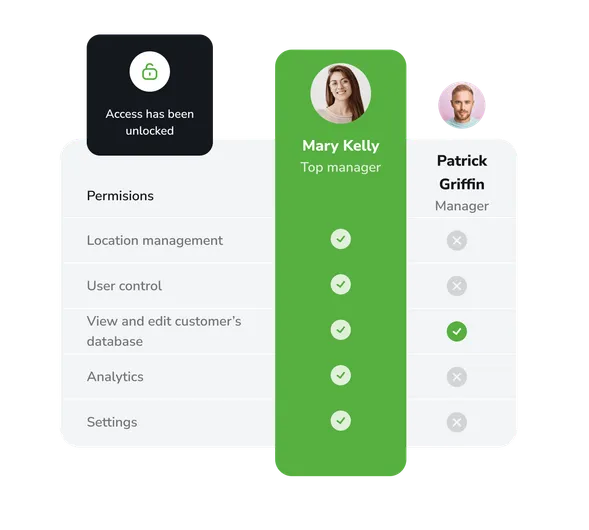
Data privacy
Keep your customers’ data and financial metrics secure by granting the right access only to trusted staff.
Role management
Manage security roles in your company across three access levels: Owner, Administrator and User.
Flexible access settings
You can configure the set of permissions for each role, adjusting them to your requirements.
14 days of the full version for free
Use all the features of our product completely free and without limits. Explore the functionality, benefits and ease of use of EasyWeek.
Ready-made solutions for your business
Choose your business area to get a tailored option for your industry.
 Beauty
  Healthcare
  Sport
Sport  Services
  Leisure
  Education
  Pets
Pets  Rental
  Car
Car  Hospitality
  Other
Other A handy app for every device
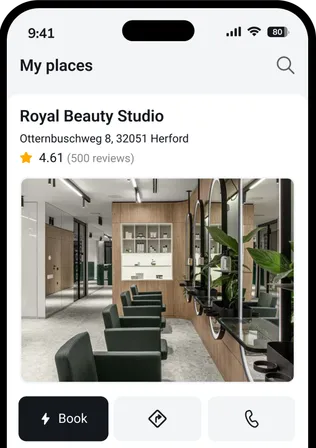
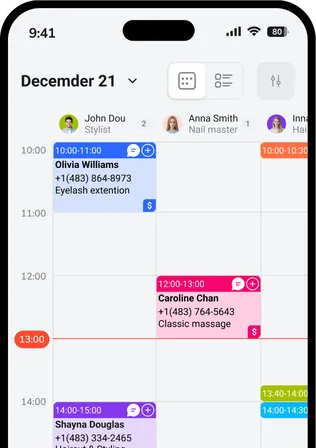
Our system works on smartphones, tablets and in the web version. No extra equipment needed.




 Pro
ProJoin the companies that trust us
Create your success story with EasyWeek!
Frequently asked questions
Can’t find the answer? Get in touch with our friendly team.
Stay with your customers: we’ll handle the rest
Try EasyWeek to manage your business more effectively. Our support is always here: 7 days a week, free on any plan.