How to get started with EasyWeek
A few simple steps to set up EasyWeek online booking for your business. See how the platform can help your company succeed.
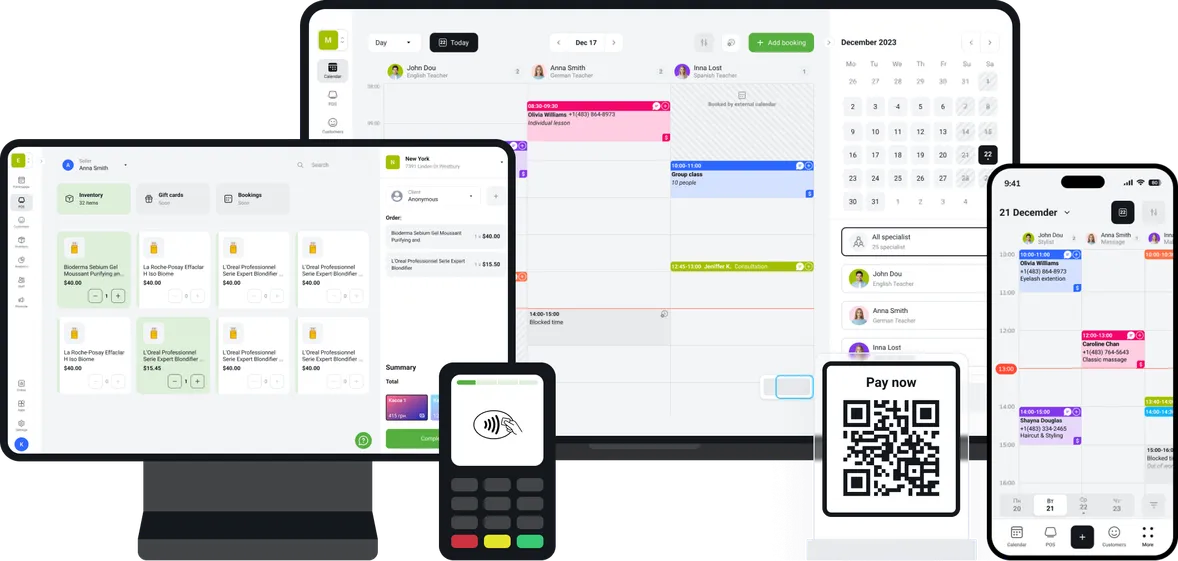
Launch in 15 minutes
Getting started is incredibly simple. Different settings are available to match your business needs.
Describe your business
Add all the key information about your business that will attract customers and encourage them to book with you.
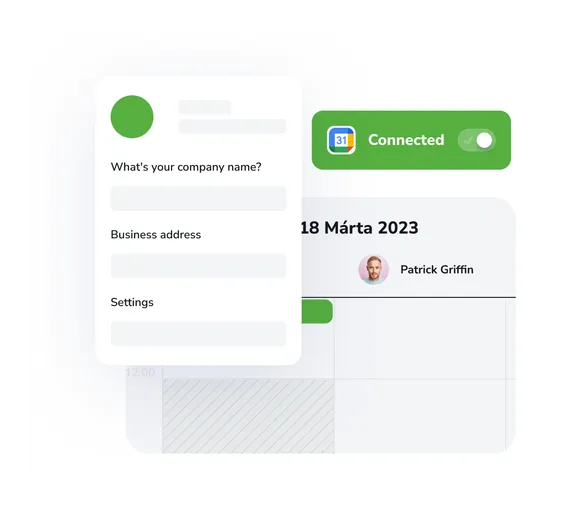
- Enter your business details and customise the look
- Set staff working hours and add services
- Enable calendar sync
Connect EasyWeek to your services
Make sure bookings come in from multiple sources
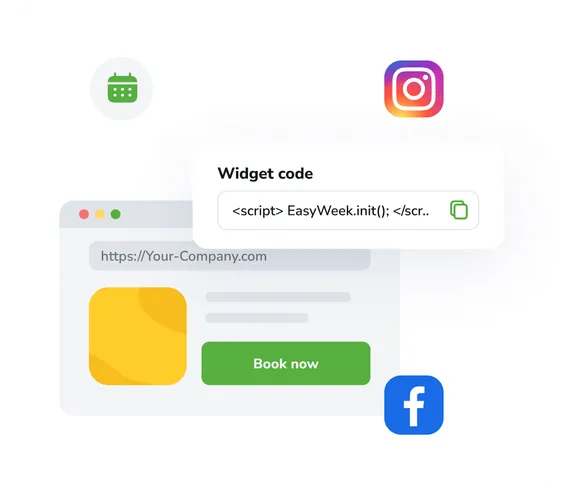
- Copy the ready-made widget code to your website
- Share your booking link with customers
Launch online booking
Let customers book services themselves at any time: with no hassle or complications
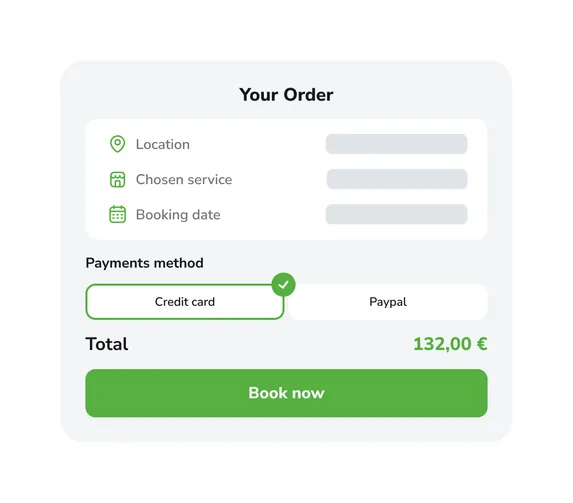
- Check availability and accept bookings 24/7
- Custom cancellation and no-show policy
- Staff and customers will be notified on time
Use built-in features to grow your business
See how efficiently the system handles schedule management and bookings without your involvement
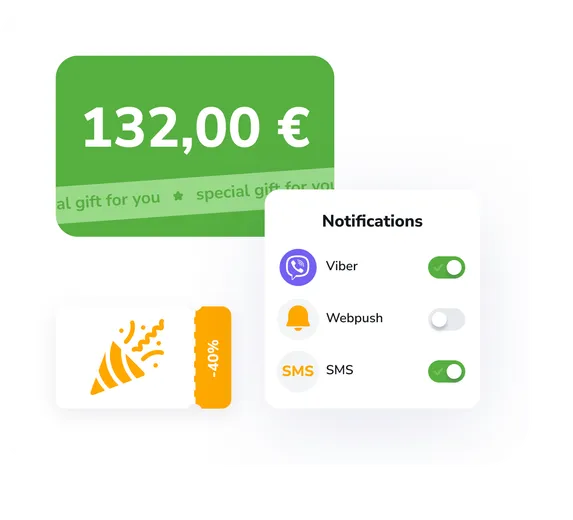
- Loyalty programme, discounts and bonuses
- Automated messages via popular channels
- Website and app: ready-made solutions for your brand
Done!
You’ve successfully levelled up your business!

14 days of full access for free
Use all product features completely free and without limits. Explore the functionality, benefits and convenience of EasyWeek.
Catch your business wave with EasyWeek
Before
Constant clashes and lost customers
- Mistakes caused by chaotic manual scheduling
- Lost bookings due to missed calls
- Customers forget about scheduled visits

After
Your business runs smoothly without your help
- Automated workflow and scheduling
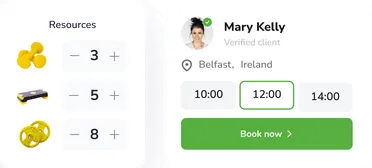
- Customers book via your website
- Automatic reminders for everyone involved

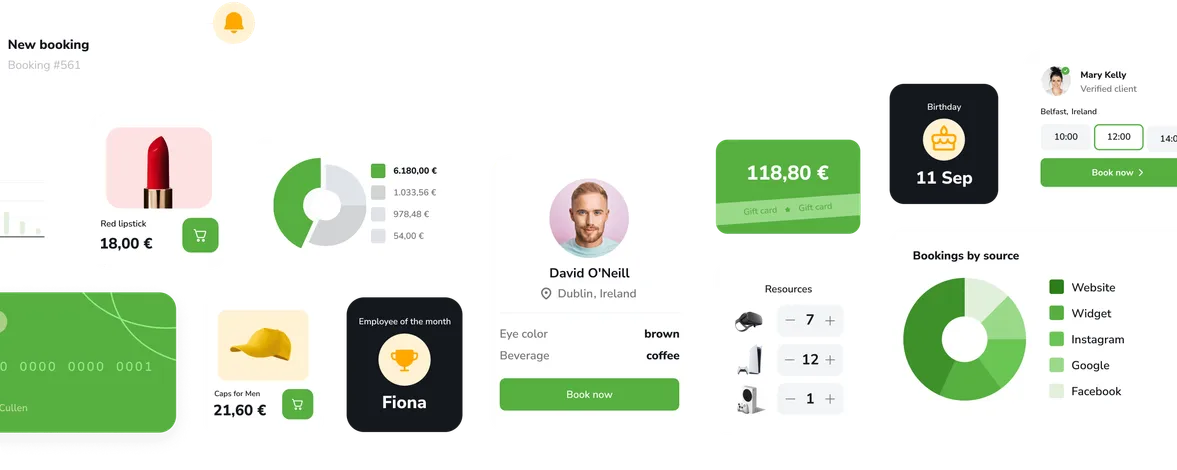
Intuitive interface
14 days of full access for free
Use all product features completely free and without limits. Explore the functionality, benefits and convenience of EasyWeek.